
September 17, 2026
How to Ask for Approval Without Sounding Demanding
Ask for approval by naming the decision, giving the minimum context needed to make it, and stating when you need an answer only if the deadline is real. Clear is not demanding; a request becomes difficult when it hides the decision, pressure, or consequence.
Avoid assuming silence means approval. A decision request should make it easy to answer yes, no, or “I need more information.” Guidance on workplace requests also emphasizes using a clear ask and relevant context rather than vague pressure. Asana’s professional communication guidance offers useful boundary principles for these conversations.
Use the decision, context, and next-step structure
- Decision: Say exactly what needs approval.
- Context: Add the one or two details that matter.
- Next step: Ask for confirmation or identify a real deadline.
Hi [Name], could you approve the [proposal/version] for [project]? It includes [relevant scope]. If you are comfortable proceeding, please confirm by [real date] so we can [next action]. If you would like changes, I can revise it first.
Examples to adapt
A teammate approval in Slack
Hi [Name], could you confirm whether you are comfortable with the final homepage copy? I need your decision before I send it to design. If you would like changes, please flag the section and I will revise it.
A client decision
Hi [Name], we are ready to proceed with [option A]. Could you approve it by Thursday so we can keep the planned launch date? If you prefer [option B], please let me know and I will update the plan.
A manager request
Hi [Name], I am seeking your approval to move [priority] ahead of [current task]. This would affect [deadline or scope]. Would you like me to proceed, or keep the current order?
Avoid these phrases
| Avoid | Use instead |
|---|---|
| “I need your approval ASAP.” | “Could you confirm by [date] so we can [specific next action]?” |
| “Please approve this immediately.” | “Could you review [item] and let me know whether you approve it?” |
| “Following up again…” | “I am checking on [decision] because [dependency].” |
| “No response means we will proceed.” | Ask for explicit confirmation or clarify the agreed decision rule. |
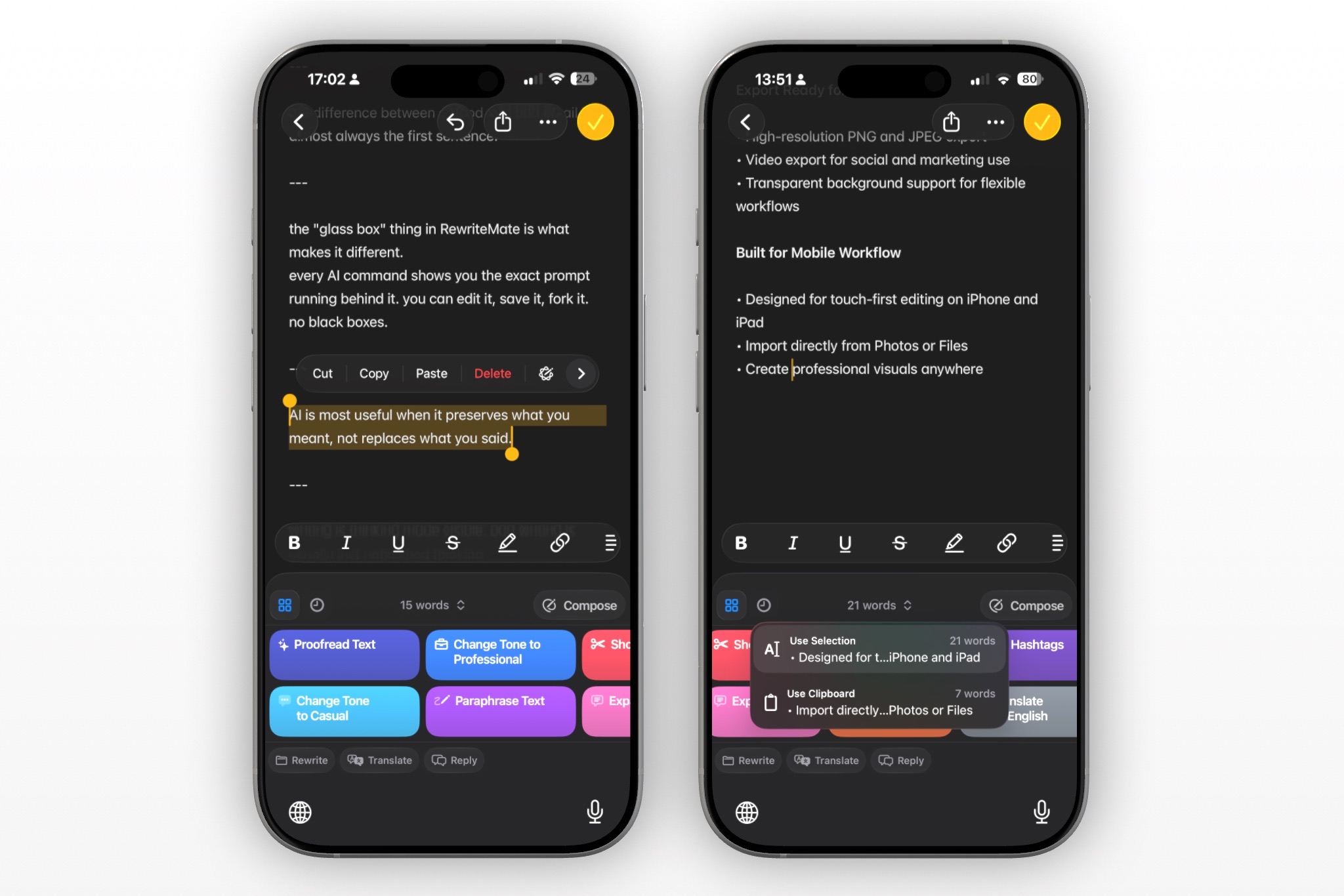
Make an approval request with RewriteMate
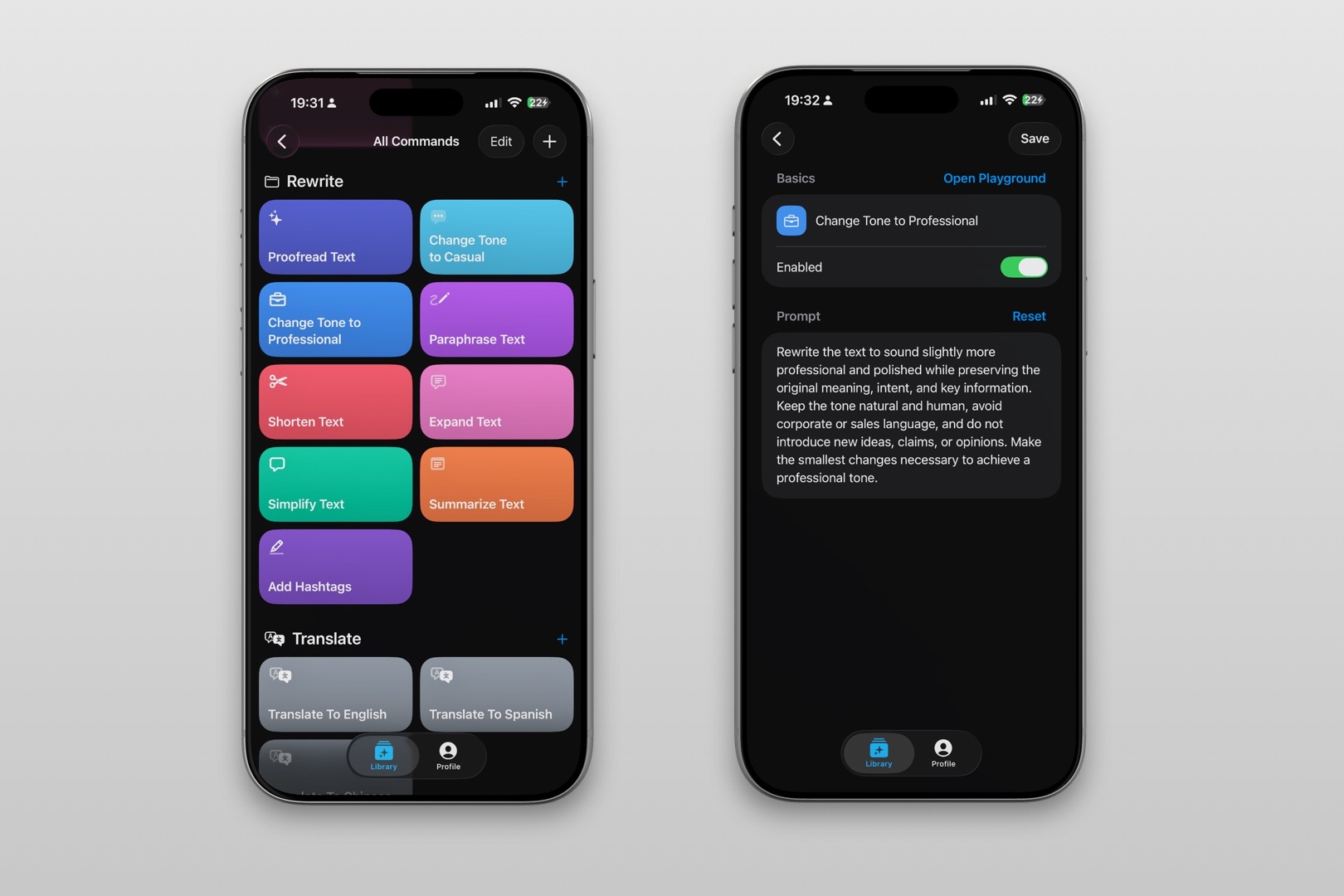
- Command name: Clear Approval Request
- Folder: Work Messages
- Output action: Copy
Rewrite this as a concise, professional request for approval. Preserve every name, date, scope detail, and stated dependency. Name the decision and one clear next step. Do not invent urgency, deadlines, approvals, options, or commitments. Do not treat silence as approval.
Review the decision owner, deadline, and project facts before sending. RewriteMate can improve the draft, but it cannot determine who has authority to approve work.
Write better everywhere
Rewrite, rephrase, and refine text instantly without switching apps.
Frequently asked questions
How do I ask for approval politely?
State the decision, give relevant context, and ask one clear question. Do not weaken the request with a long apology.
Should I add a deadline?
Add one only when it is real and explain what it affects.
What if the person does not respond?
Follow up with the decision and dependency, or escalate through the agreed project process. Do not assume approval.
Can I ask for approval over Slack?
Yes, for straightforward decisions. Use email or a meeting when the decision needs detailed review or a permanent record.
Related articles
Keep reading

How to Ask for an Update Without Sounding Passive-Aggressive
Ask for the work update you need without blame, vague nudges, or fake urgency. Use these concise message examples for teammates, managers, and clients, plus a reusable iPhone drafting command.

How to Say No to More Work Professionally Over Text
Set a clear workload boundary in a work text or Slack message without overexplaining, sounding defensive, or accepting an impossible deadline.

How to Tell a Client You Need More Time Professionally
A clear way to request more time from a client without making excuses, overpromising a new date, or leaving the next step unclear.

Felix Tran
RewriteMate Dev & Editorial Lead
Write about everyday workflows, systems that help ideas move faster, from first draft to finished work.