August 16, 2026
Best AI Keyboard for Online Dating: Better Tinder and Hinge Messages
The best AI keyboard for online dating helps you turn a rough thought into a natural, specific message without making every Tinder or Hinge chat sound copied and pasted. It should work where you are already typing, help you adjust tone, and let you keep the final message in your own voice.
An AI keyboard is not a shortcut to chemistry. It cannot create genuine interest, and it cannot tell you what a stranger will like. But it can help when you are stuck on an opener, worried that a joke sounds too direct, or trying to write a reply that is clear, relaxed, and true to you.
What makes a dating-app message worth sending
A strong dating-app message does three things:
- It responds to something real.
- It gives the other person an easy way to reply.
- It sounds like a person, not a template.
The best opening line is usually not a clever line that could be sent to anyone. It is a brief observation about something the other person chose to share—a prompt answer, a hobby, a photo caption, a favorite food, or an opinion—followed by a genuine question.
For example:
Your “ideal Sunday” sounds very close to mine, except I’d probably replace the hike with a long coffee stop. What is your go-to café order?
It is specific, light, and easy to answer.
Hinge encourages users to put safety first from the first messages onward, including when deciding when or whether to move a conversation off the app. Read Hinge’s safe dating advice.
Why an AI keyboard is useful for Tinder and Hinge
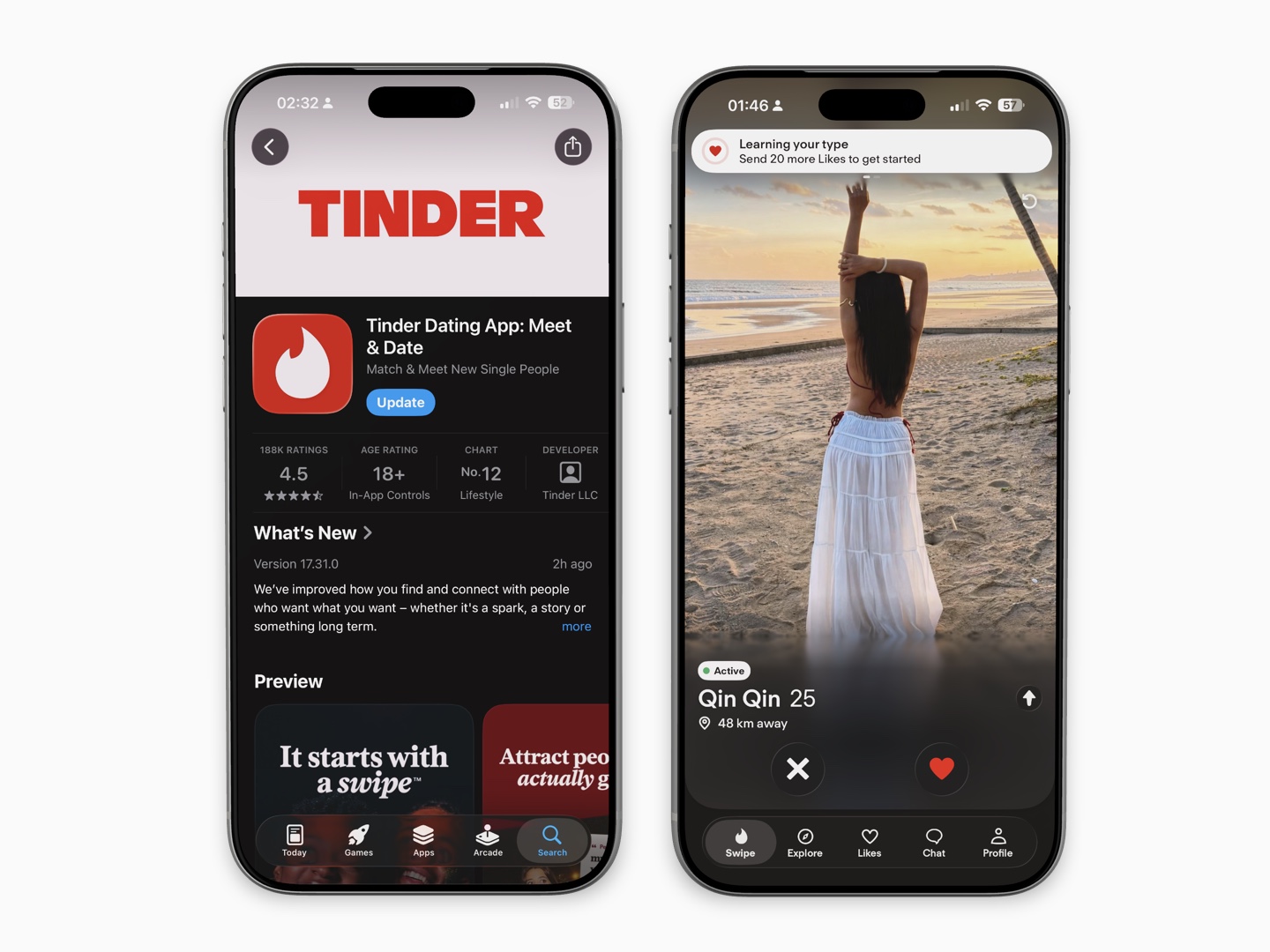
Dating apps are usually used on a phone. That means many people write messages quickly, while distracted, and often with more pressure than they would feel in a normal text conversation.
An AI keyboard can help you:
- Turn a vague opener into a clearer question
- Fix grammar without changing your personality
- Make a message friendlier or less intense
- Shorten a long reply
- Rephrase something that could be misunderstood
- Translate a thought into natural English
- Find a few variations when you are genuinely stuck
The useful part is convenience. Instead of taking screenshots, opening another app, pasting a profile detail into a chatbot, copying a result, and switching back, you can work on your draft inside the message field.
What to look for in an AI keyboard for dating
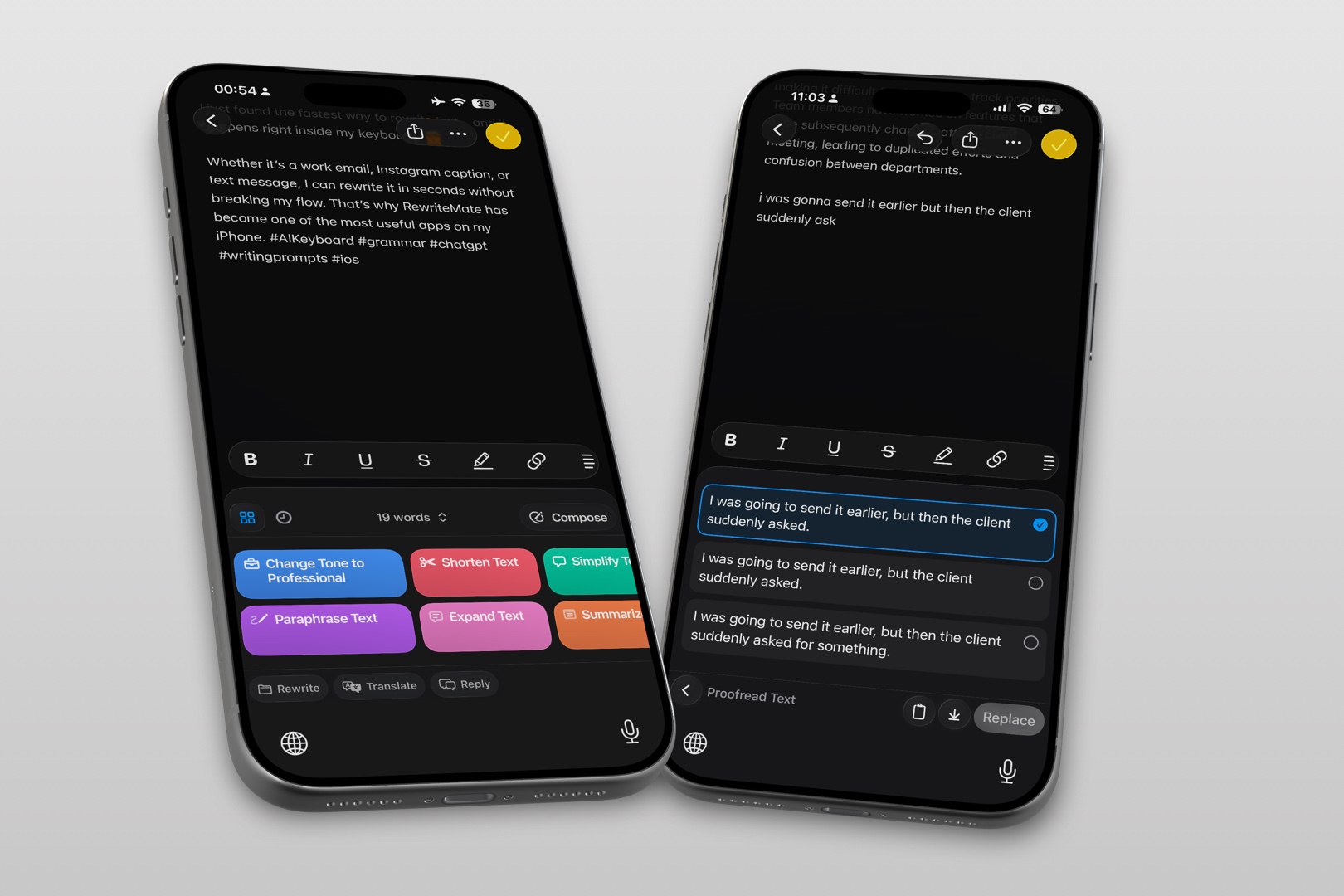
Not every AI writing tool is a good fit for dating conversations.
| Feature | Why it matters for dating messages |
|---|---|
| Rewrite controls | Lets you make a draft clearer, warmer, or more concise |
| Tone options | Helps you avoid sounding overly formal, blunt, or intense |
| Grammar checking | Useful when you want a message to be easy to read |
| Custom instructions | Helps preserve your normal writing style |
| In-keyboard workflow | Lets you write and edit without leaving Tinder or Hinge |
| Easy review before replacing text | Keeps you in control of the final message |
| Clear privacy information | Important because dating chats can include personal details |
Avoid a tool that promises “perfect” replies or guaranteed matches. The best use of AI is editing, brainstorming, and confidence—not impersonation.
The best AI workflow: draft first, improve second
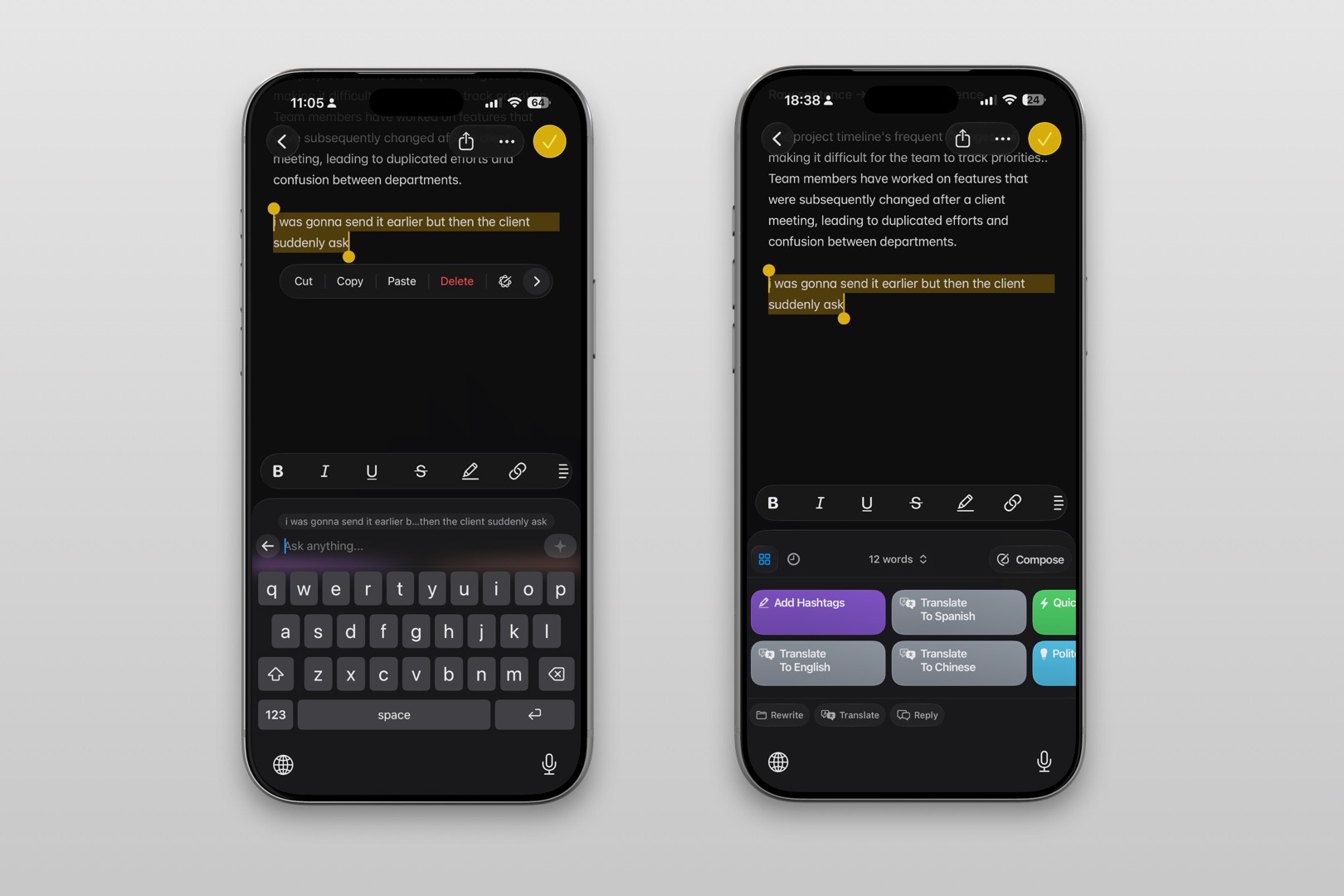
Start with your own idea. Then use AI to improve the delivery.
A simple workflow:
- Read the profile or latest message carefully.
- Write a rough reply in your own words.
- Use an AI keyboard to polish grammar, clarity, or tone.
- Keep only the edits that still sound like you.
- Send the message if you would feel comfortable saying it in person.
For example, your rough opener might be:
You like ramen and travel. Which country have best ramen?
A better version could be:
You mentioned ramen and travel—what city has had the best ramen you’ve tried so far?
The second message still comes from your original observation. It simply makes the question easier and more natural to answer.
Prompts that help without making you sound robotic
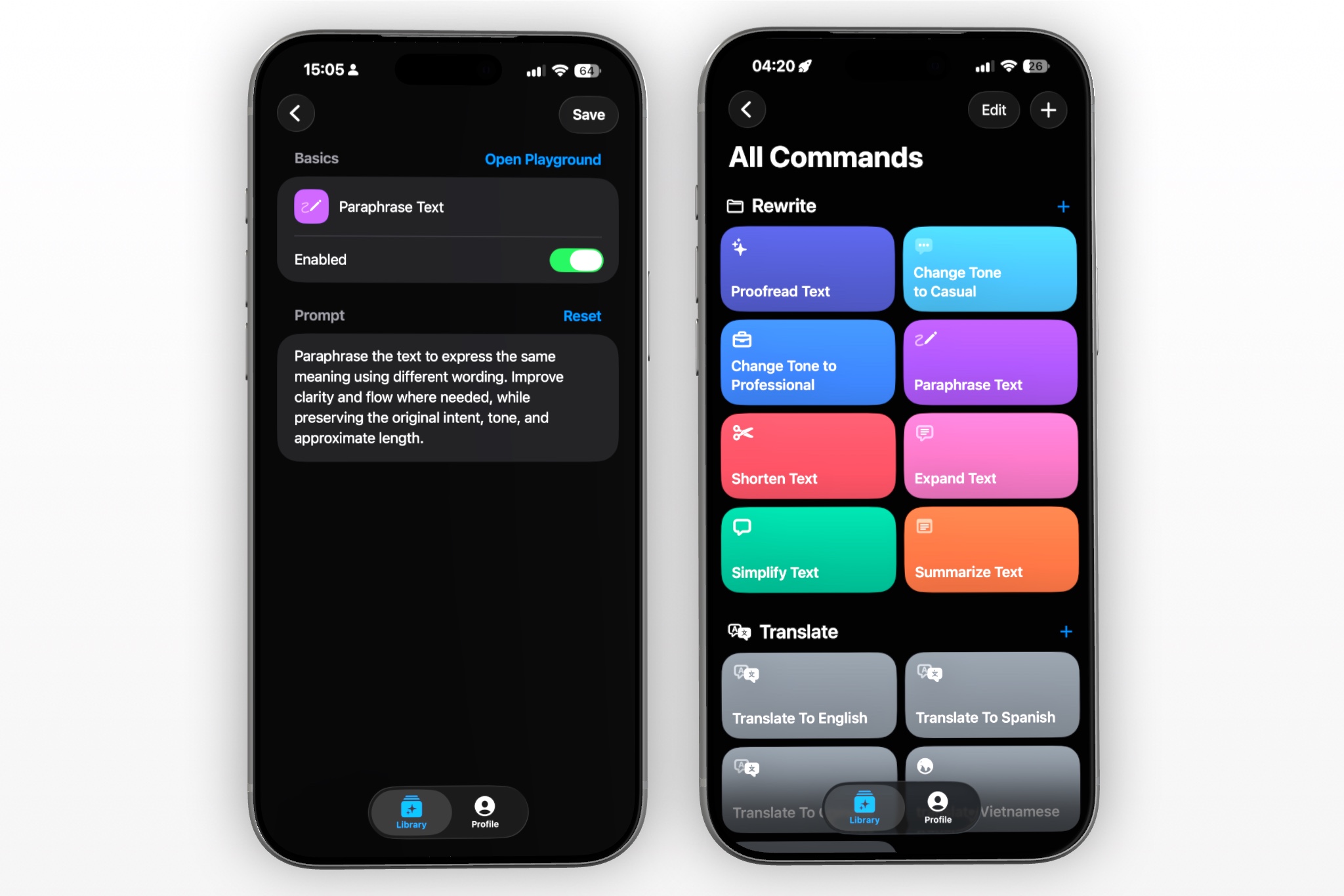
Generic instructions such as “write a pickup line” often produce generic results. Give the AI a clear goal and a little context instead.
Try prompts like:
- “Make this sound friendly and natural, not overly flirty.”
- “Correct the grammar but keep my casual tone.”
- “Turn this into a short, open-ended question.”
- “Give me three natural variations based on this profile detail.”
- “Make this less direct and more playful.”
- “Keep this under two sentences.”
- “Rewrite this so it sounds confident but not arrogant.”
- “Help me reply without using a cliché.”
The goal is not to let AI perform your personality. The goal is to make it easier for your real personality to come through.
How to write better Hinge openers
Hinge profiles often give you useful material: prompt answers, photos, interests, and written details. Use those details.
A simple formula is:
Specific observation + your reaction + easy question
Example: food prompt
Profile detail: “I will fall for you if you know the best dumpling place.”
Weak opener:
Hey, I like dumplings too.
Better opener:
Important question: are we talking soup dumplings, fried dumplings, or the kind worth crossing town for?
Example: travel photo
Profile detail: A photo hiking in a national park.
Weak opener:
Nice photo. Where is that?
Better opener:
That trail looks incredible. Was the view worth the early start, or are you one of those people who somehow enjoys 6 AM hikes?
Example: unusual hobby
Profile detail: “Learning pottery and failing gracefully.”
Weak opener:
Pottery is cool.
Better opener:
I respect the “failing gracefully” part. What is the current record: more successful mugs or accidental bowls?
These messages work because they are specific enough to show attention, but light enough that the recipient does not need to write an essay back.
How to write better Tinder messages
Tinder profiles can sometimes provide less written context, which makes it tempting to fall back on “Hey” or a generic compliment.
If there is a prompt, bio detail, or clear interest, use it. If there is not, be straightforward and respectful rather than inventing a detailed story about a photo.
A few good directions:
- Ask a simple preference question
- Make a small observation
- Share a brief related opinion
- Invite a low-pressure answer
Examples:
Your profile gives “serious coffee opinions.” What is the one coffee order you would defend forever?
I need an unbiased vote: beach weekend, city weekend, or disappearing into the mountains for two days?
Your dog looks like they have a stronger opinion about this app than either of us. What is their name?
The point is to make a real conversation possible. Do not use AI to manufacture a personality or write a long, dramatic opener based on limited information.
Use AI to improve tone, not force chemistry
Tone is where an AI keyboard can be especially helpful.
A message can sound different from what you intended:
| Your draft | Possible concern | A clearer alternative |
|---|---|---|
| “Why did you match with me?” | Can sound insecure or confrontational | “What caught your attention in my profile?” |
| “Give me your number.” | Too demanding early on | “Would you be open to moving this to text sometime?” |
| “You are beautiful.” | Generic and appearance-focused | “Your travel stories seem like they would make for a good conversation.” |
| “Let’s meet tonight.” | Can feel rushed | “I’ve enjoyed chatting—would you be interested in coffee sometime this week?” |
| “You reply slowly.” | Sounds accusatory | “No rush at all—I know life gets busy.” |
You do not need to avoid directness. You just want directness that leaves room for the other person to choose.
Keep your messages short enough to invite a reply
A strong first message rarely needs to be long.
Use this guideline:
- Opening message: one or two sentences
- Early conversation: match the other person’s energy and length
- When asking someone out: be clear, specific, and low pressure
- When discussing something personal: slow down and write authentically
If someone sends a short reply, you do not need to respond with a full paragraph. If they share a detailed story, you can show interest by responding to one or two parts and asking a relevant question.
The goal is a conversation, not a performance.
Do not send AI-generated messages without reading them
AI can produce a message that is polished but wrong for the moment.
Before sending, check:
- Does it refer to something actually on their profile?
- Does it sound like me?
- Is it too formal?
- Is it too flirty, sexual, or intense?
- Does it make assumptions about the person?
- Is the question easy to answer?
- Would I be comfortable receiving this message?
If the answer is no, edit it or start again.
A useful rule: if the message could be sent to 100 different people without changing a word, it is probably too generic.
Privacy matters in dating-app chats
Dating conversations can become personal quickly. Be thoughtful about what you enter into any AI tool.
Avoid putting these details into a rewrite request unless you have reviewed the keyboard provider’s privacy practices and are comfortable doing so:
- Full names
- Phone numbers
- Home or work addresses
- Private photos
- Financial information
- Health information
- Details that could identify another person
- Screenshots containing private messages
If you need help rephrasing a sensitive message, remove identifying information first.
For example, instead of asking an AI tool to rewrite a full conversation, summarize the situation in general terms:
“Help me write a respectful message declining a second date after one meeting.”
Tinder also recommends that users keep safety in mind while interacting on the app. Review Tinder’s safety tips before moving a conversation to another platform or meeting someone in person.
When to stop using AI and just send the message
AI is useful when it removes friction. It becomes less useful when it makes you overthink every word.
Stop editing and send the message when it is:
- Honest
- Respectful
- Specific enough to feel personal
- Easy to understand
- Aligned with what you actually want to say
You do not need the most impressive line. You need a line that opens the door to a real exchange.
FAQs
Can an AI keyboard write Tinder or Hinge messages for me?
It can help draft, rewrite, or improve messages, but you should always review and personalize the result. The best messages respond to something real and sound like the person sending them.
What is the best first message on a dating app?
A specific, light message based on a profile detail is usually more useful than a generic greeting. Add an easy question so the other person has a natural way to reply.
Should I use AI for dating-app openers?
Use it as an editor or brainstorming partner, not as a substitute for your own voice. Start with a genuine observation, then use AI to make it clearer or more natural.
How can I make a dating-app message less awkward?
Keep it short, refer to something specific, avoid overexplaining, and ask one easy question. An AI keyboard can help you soften tone or remove wording that sounds too formal.
Is it safe to paste dating chats into an AI keyboard?
Treat dating chats as personal information. Review the keyboard provider’s privacy policy, avoid sharing identifying details, and do not paste sensitive conversations into a tool you have not evaluated.
How do I ask someone out without sounding too intense?
Be clear and low pressure. For example: “I’ve enjoyed talking with you. Would you be up for coffee sometime this week?” Give the person room to decline or suggest another plan.
Should every dating-app message be funny?
No. A thoughtful, specific question is often better than a joke that feels forced. Aim for natural conversation, not constant entertainment.
Write better messages without losing yourself
The best AI keyboard for online dating does not replace your personality. It makes it easier to express it when you are tired, nervous, writing in a second language, or staring at an empty message field.
Use RewriteMate to polish a draft, explore a few natural variations, or soften the tone of a message. Then choose the version that feels honest, respectful, and like something you would actually say.
Write better everywhere
Rewrite, rephrase, and refine text instantly without switching apps.
Related articles
Keep reading

Best AI Keyboard for Non-Native English Speakers on iPhone
An AI keyboard can help non-native English speakers write clearer messages on iPhone without leaving the app they are using. Here is what to look for and how to use one well.

How to Rewrite a Text Message With AI on iPhone
Learn how to use AI to rewrite a text message on iPhone while keeping the facts, context, and voice that make the message yours.

RewriteMate vs Grammarly Keyboard: Which Is Better for Mobile Writing?
Compare RewriteMate vs Grammarly Keyboard to see which iPhone writing assistant fits your workflow. Learn the differences in AI rewriting, grammar checking, customization, pricing, and everyday mobile writing.

Felix Tran
RewriteMate Dev & Editorial Lead
Write about everyday workflows, systems that help ideas move faster, from first draft to finished work.