March 3, 2026
Apple Writing Tools vs Grammarly: Which is Best for iPhone Writing Workflows?
The Search for the Perfect Mobile Writing Workflow
If you are comparing Apple Writing Tools vs Grammarly for iPhone, you are likely trying to solve one practical problem: writing clearly without breaking concentration. Both tools are familiar for a reason. Apple Writing Tools is built into the iPhone ecosystem, and Grammarly has years of trust around grammar support.
But on mobile, quality suggestions are only part of the story. The deciding factor is usually workflow friction: how many taps, app switches, and mental resets it takes to fix one sentence while you are already in motion.
Head-to-Head: Feature & Usability Matrix
| Metric | Apple Writing Tools | Grammarly | RewriteMate |
|---|---|---|---|
| Integration (App vs. Keyboard) | System feature in supported Apple contexts | Keyboard + app experience | Dedicated keyboard extension that works in text fields |
| Steps to Rewrite | Select text, open writing options, apply result | Open Grammarly flow, review, then apply | Select text or use clipboard, tap command, then Replace/Insert/Copy |
| Privacy/Local Processing | Strong Apple privacy posture; some processing may vary by feature | Cloud-assisted processing for writing suggestions | Secure setup with user-controlled provider keys and system-level keyboard flow |
| Context-Switching | Low to medium, depending on app support | Medium, often includes review interruptions | Low, designed for writing in place without leaving the current app |
The biggest difference is not whether text can be improved. It is how much effort it costs each time you need to improve it.
Where Traditional Tools Start to Break Down
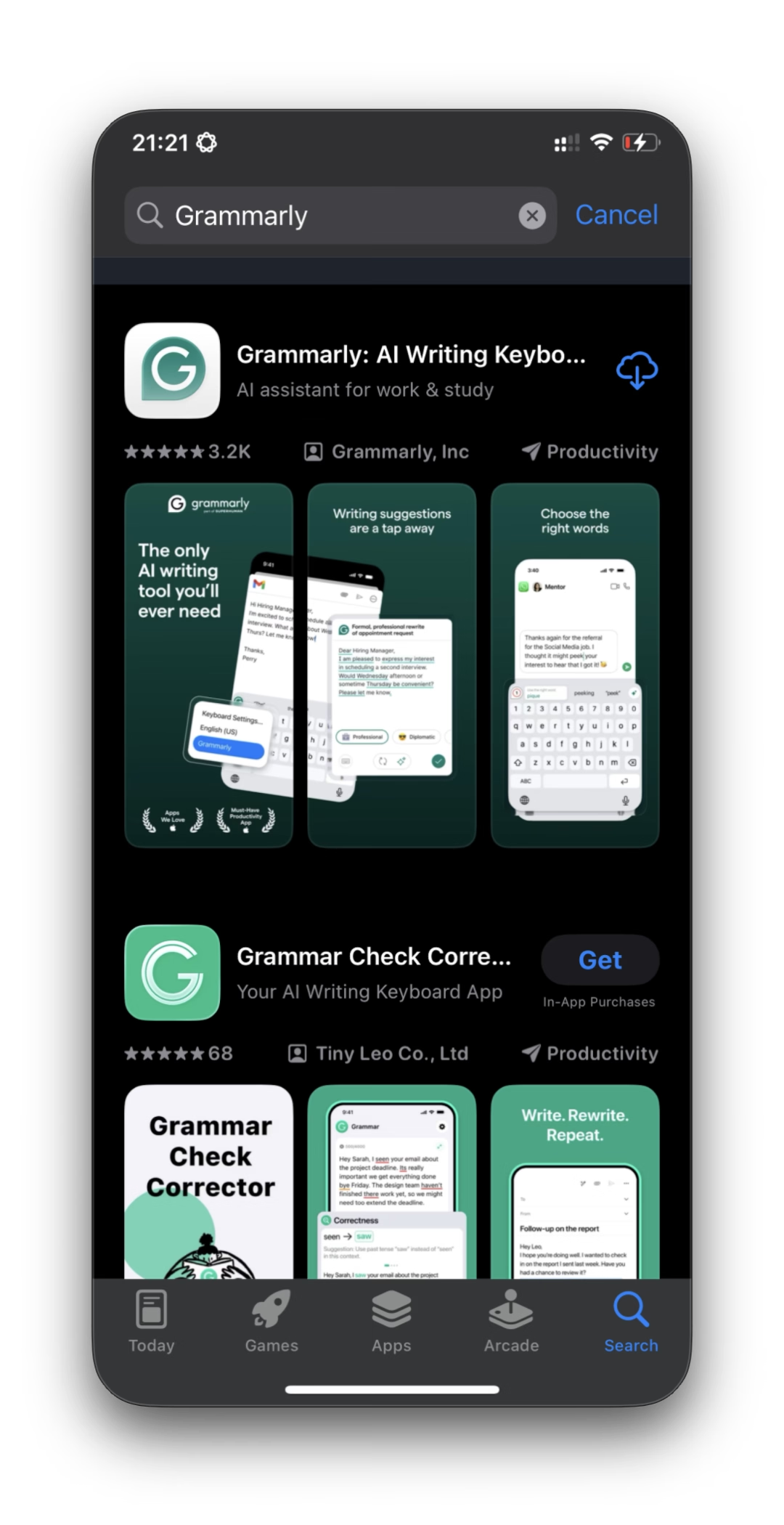
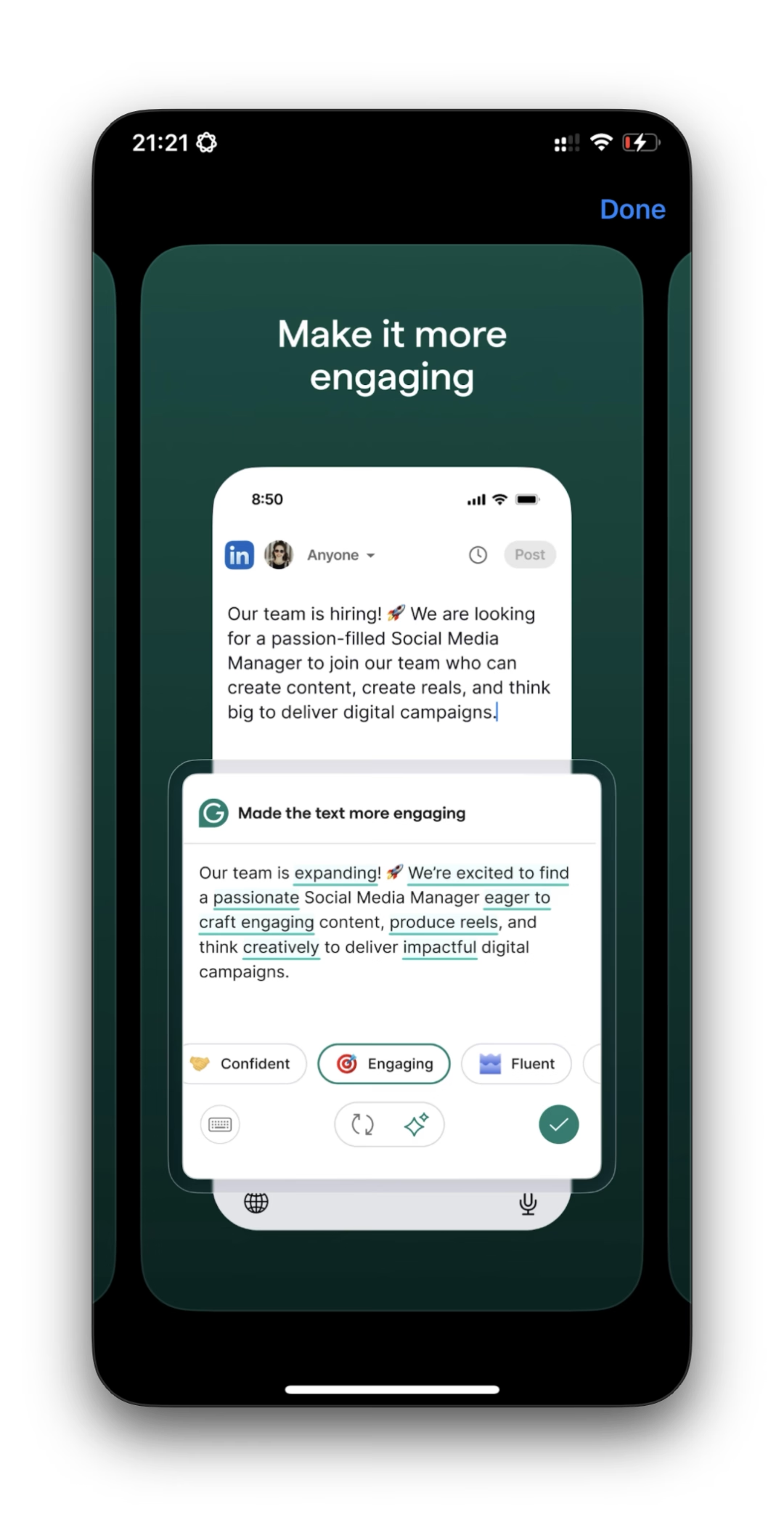
The copy-paste tax is small once, but expensive over a full day. On iPhone, even brief switching between apps or panels can interrupt thought, especially when writing client updates, support replies, or sensitive personal messages.
That interruption has a hidden cost:
- You reread the same line multiple times.
- You lose confidence in tone when context disappears.
- You delay sending because rewriting feels like another task, not part of typing.
In high-stakes communication, opening a separate app is often enough to break flow.
The Case for System-Level AI
A newer model is in-keyboard rewriting. Instead of exporting your draft to another surface, you keep writing in place and trigger improvements inside the active text field.
In RewriteMate, the flow is straightforward:
- Select text in the current app, or use Clipboard as the text source.
- Open the keyboard and run a command from your command list.
- Review output, then choose Replace, Insert, or Copy.
This Selection -> Clipboard -> Replace pattern keeps your attention in one place. The result is less mechanical effort and fewer context resets.
Privacy and Data Ownership
For many users, privacy is now a workflow requirement, not a bonus feature.
Apple Writing Tools benefits from Apple’s privacy-first platform model. Grammarly provides strong utility, but typically relies on cloud processing to deliver suggestions. RewriteMate is designed as a secure, system-level tool where you configure providers and API keys directly, with command behavior managed in your own app environment.
If you handle confidential drafts, contracts, or customer communication, data control and predictable routing matter as much as rewrite quality.
Conclusion
Apple Writing Tools and Grammarly can both improve sentence quality. But the better long-term return usually comes from reducing friction at the point of writing.
A zero-step or near-zero-step workflow means fewer switches, faster decisions, and more consistent communication on iPhone. If that is the bottleneck in your day, a system-level keyboard approach is worth exploring.

Felix Tran
Indie Developer & RewriteMate Founder