Your Better
AI Writing Assistant
Instantly improve, rephrase, and refine any text. The better writing tool, built for iOS and macOS.


Instantly improve, rephrase, and refine any text. The better writing tool, built for iOS and macOS.
Rewrite text anywhere on your Mac or iPhone in three simple steps.
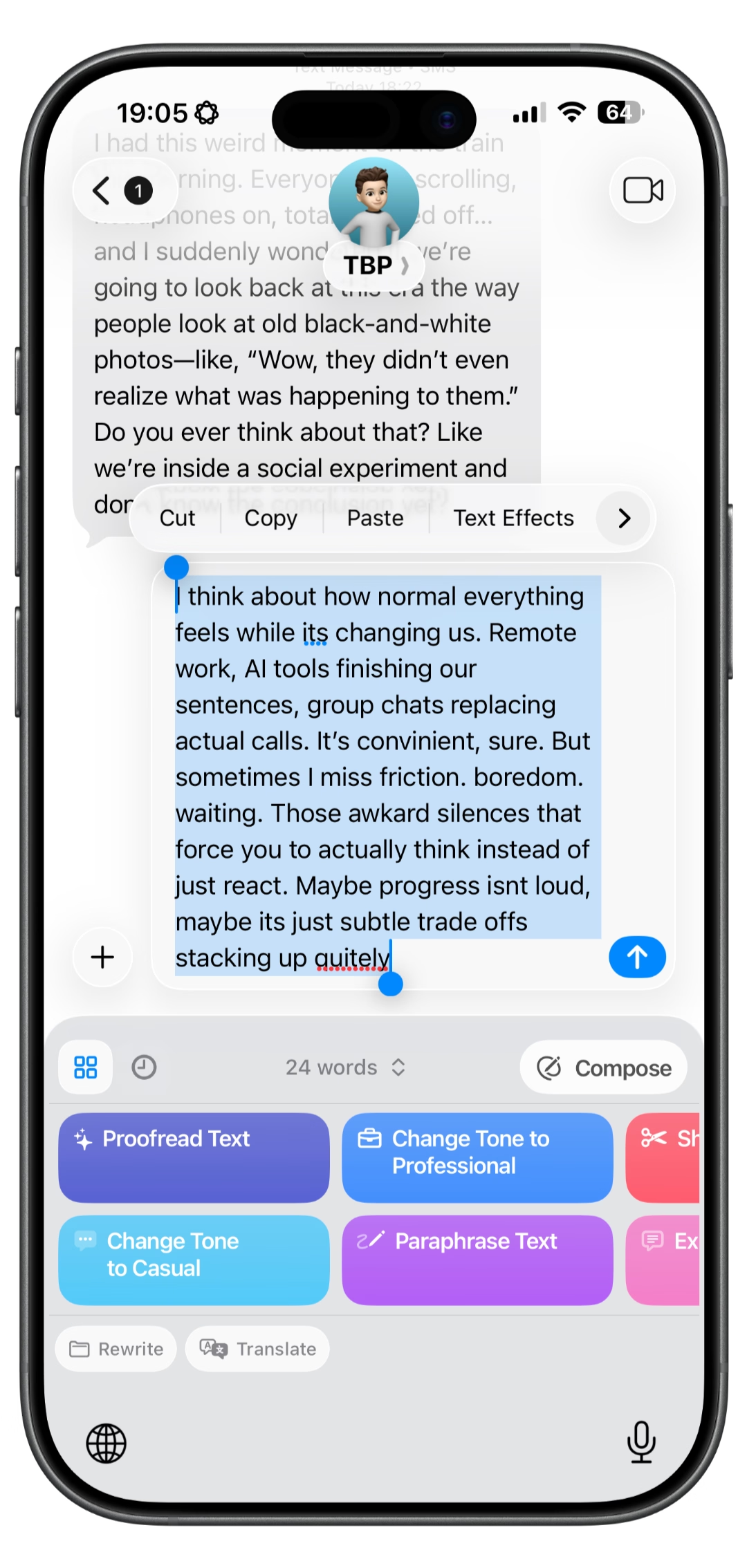
Highlight any text in any app — Mail, Notes, Notion, Messages, or Safari. RewriteMate works wherever you write.
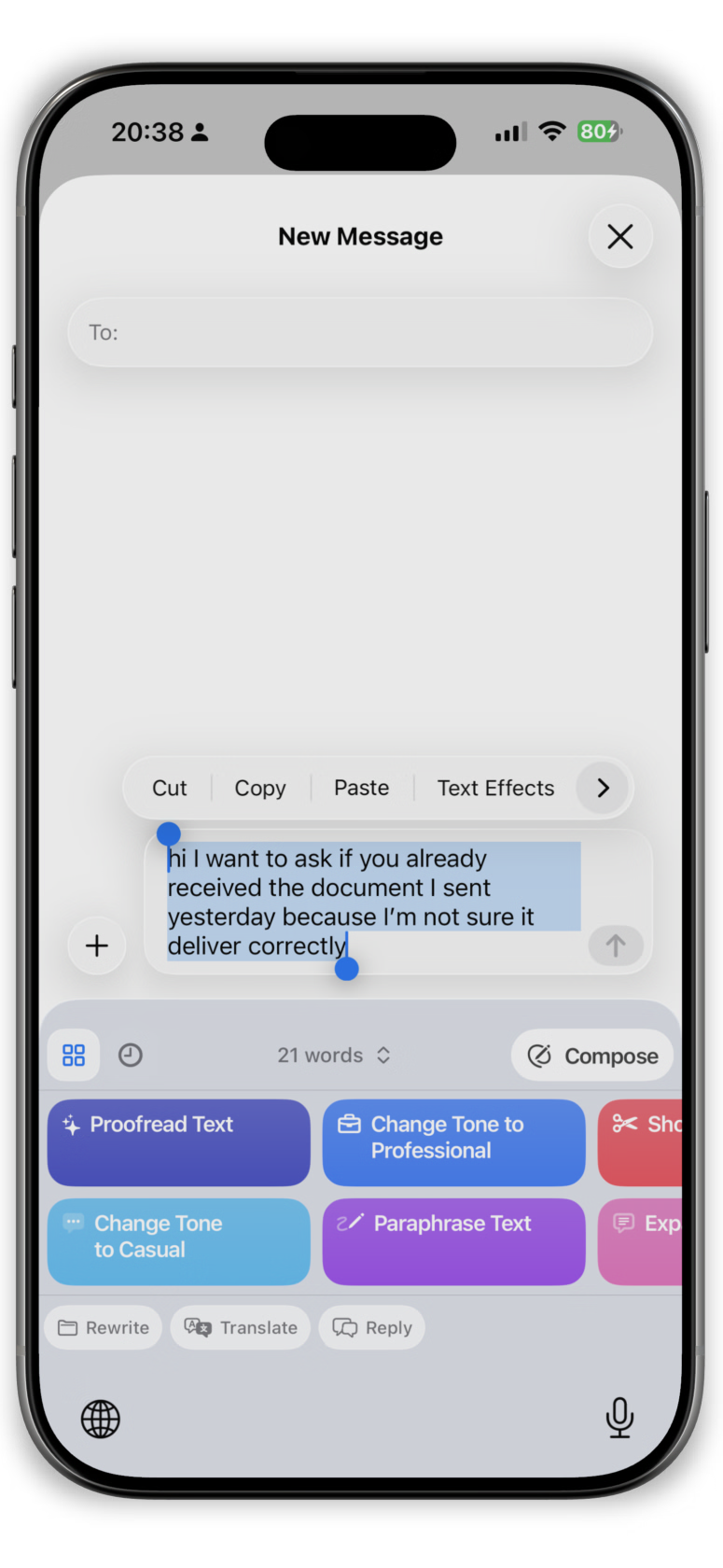
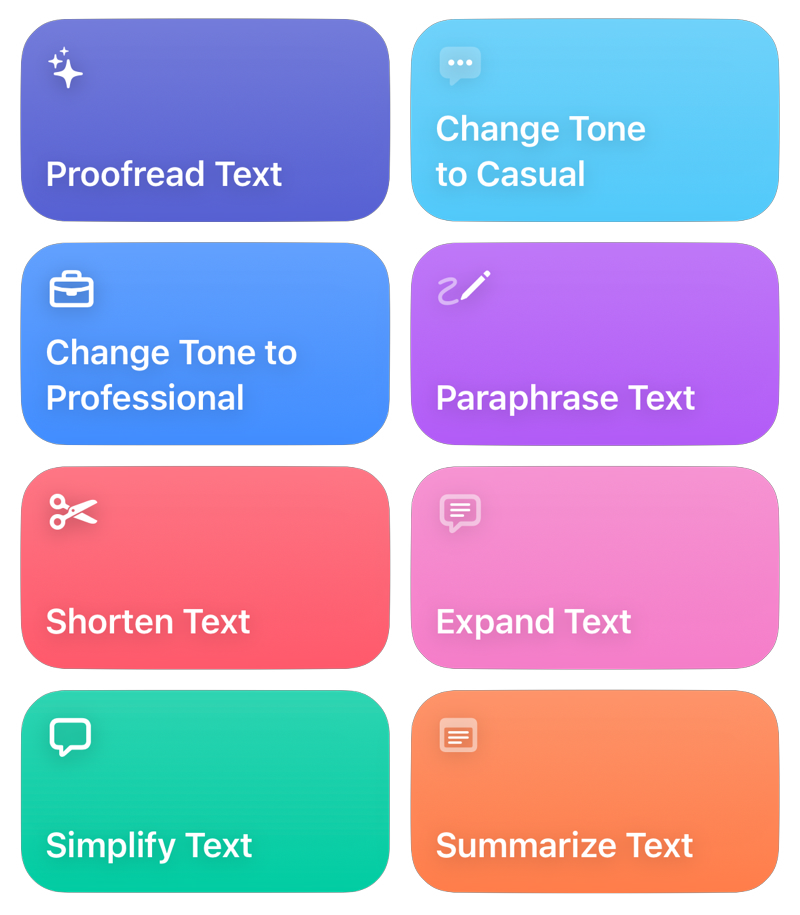
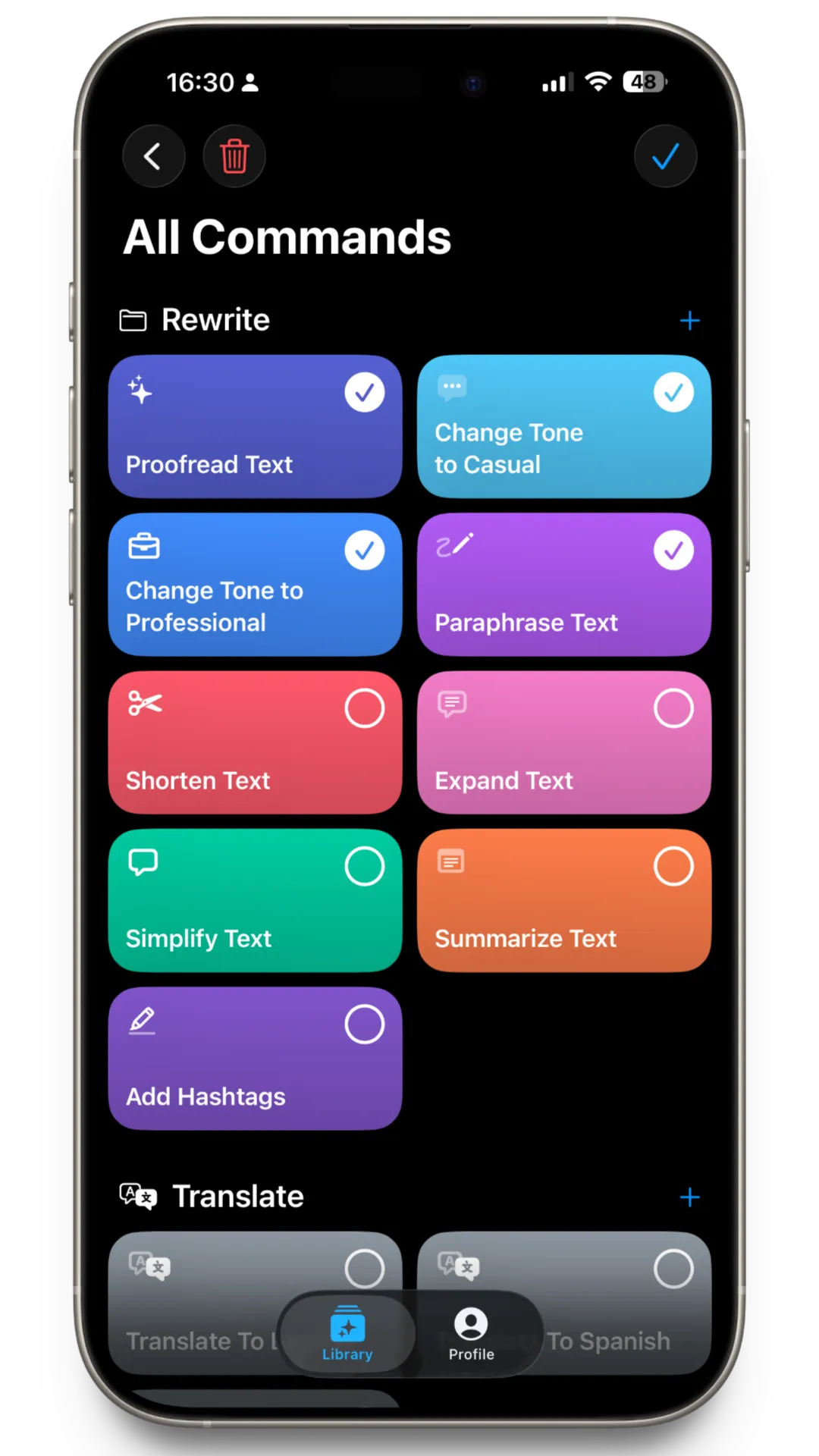
Pick a preset or create your own custom instruction. Adjust tone, shorten, expand, or rephrase — all with one tap.
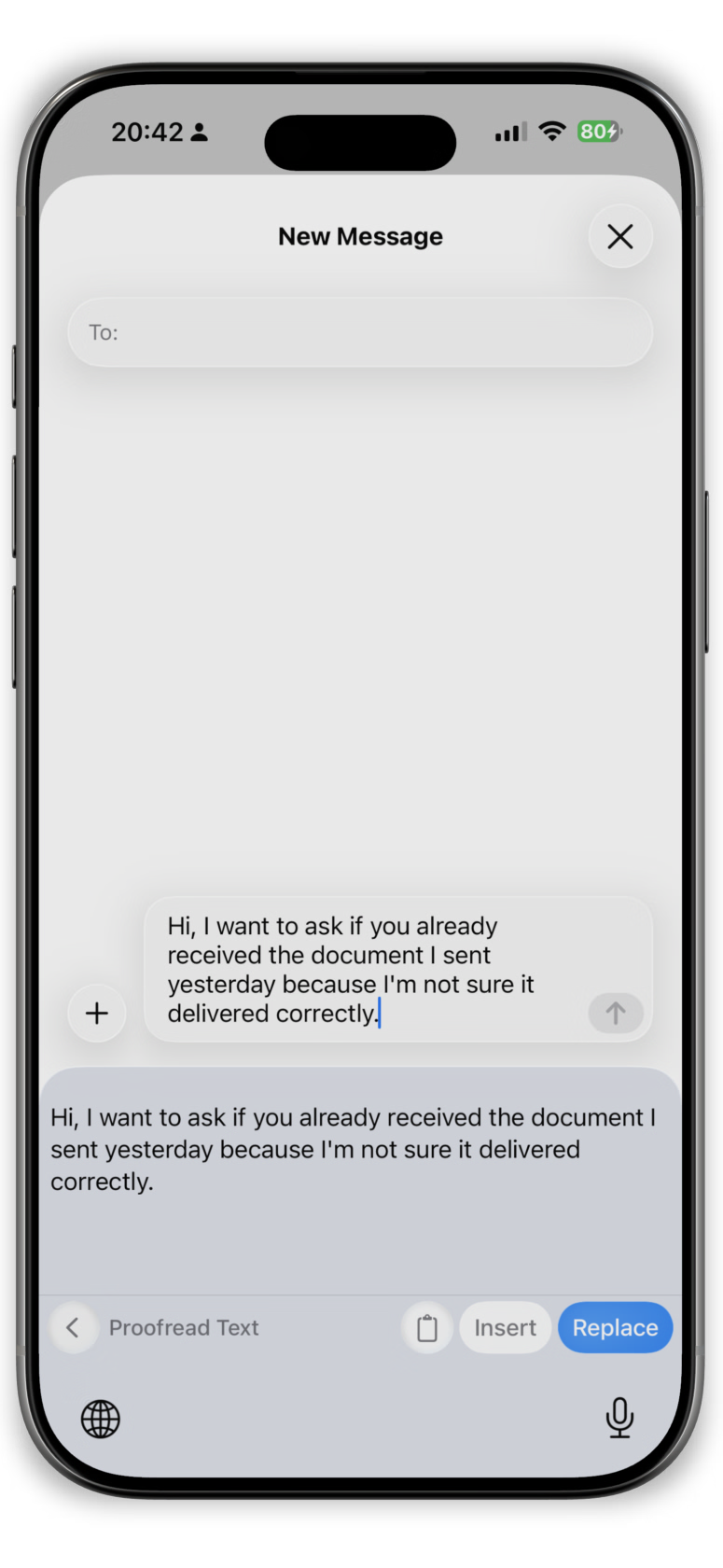
Your improved text replaces the original. No switching apps, no copy-paste hassle. Stay in flow.
Save your own writing rules to keep your tone and structure consistent.

Edit and improve your text directly inside any app, without switching screens.


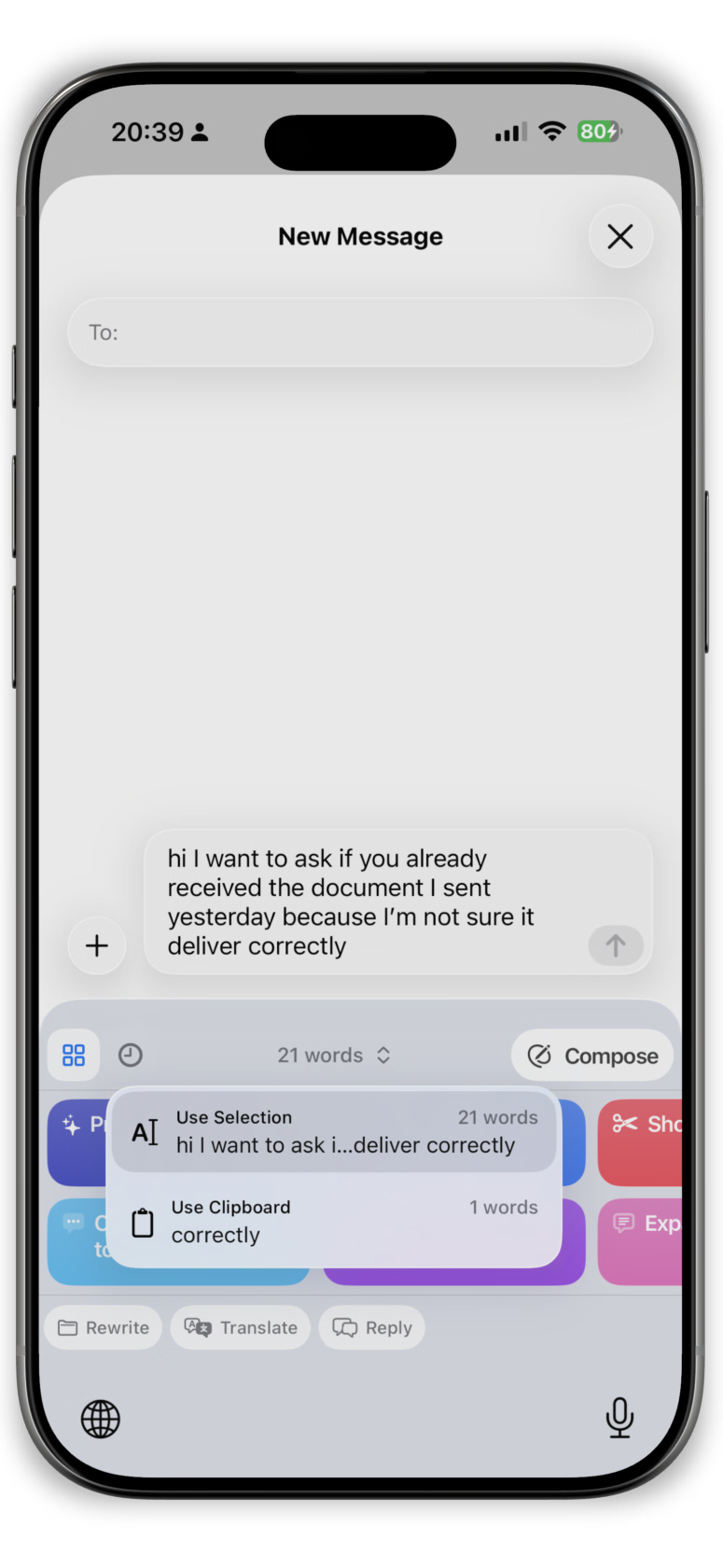
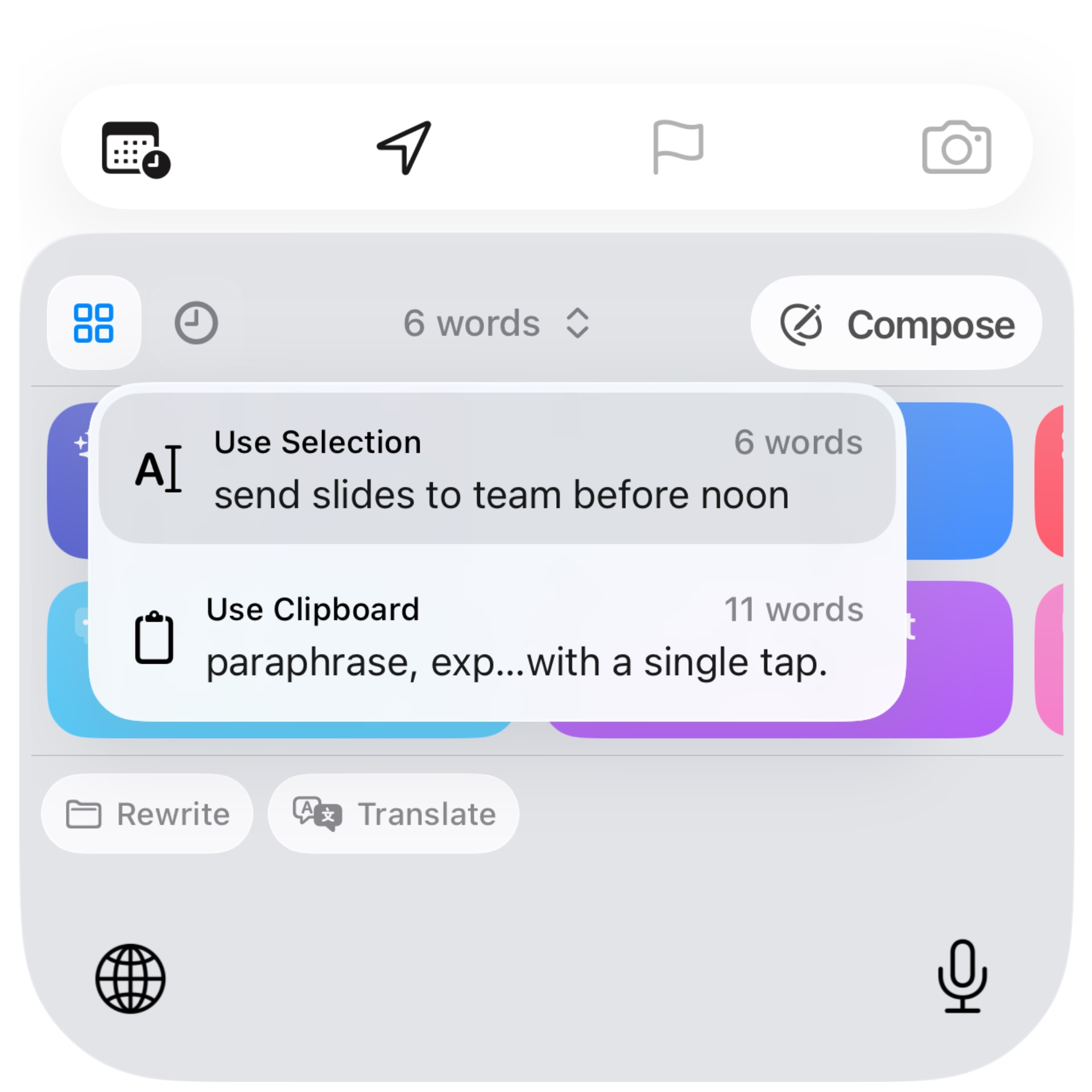
Choose to transform text from the current app or use copied text from your clipboard.
Access your saved commands and preferences seamlessly.
Your text is processed only when you choose to rewrite. Zero data collection.

RewriteMate helps professionals communicate clearly across every workflow.
Clean up explanations without losing technical accuracy. Refine documentation and PR notes while keeping your original intent intact.
Clarify your thinking without flattening your voice. Adjust tone and structure while staying true to how you communicate.
Polish what you’ve already written. Improve clarity, flow, and consistency without rewriting from scratch.
Fine-tune replies before you send them. Soften tone, tighten wording, and keep your message clear under pressure.
Refine important messages before they go out. Keep your voice consistent across updates, strategy docs, and announcements.
Subscription or lifetime purchase. For you on all your devices.
Prices are in USD excluding VAT and can vary across different countries and regions.
From emails to social captions, RewriteMate helps you write better everywhere.
Draft a rough reply and tap Proofread or Change Tone → Professional. Your email sounds polished without sounding like a robot.
Fix typos, soften tone, or rephrase texts before you hit send. Works in Messages, Slack, WhatsApp — anywhere you type.
Select a wall of text, tap Shorten, and get a crisp version. Perfect for busy teammates who need the TL;DR fast.
Translate selected text to 100+ languages without leaving the keyboard. No more switching to Google Translate.
Stuck on the same phrasing? Tap Paraphrase to rewrite any sentence in a fresh way. Avoid repetition without starting from scratch.
Write a rough caption, tap Add Hashtags, and get a ready-to-post version. Keep your social workflow inside Instagram, Threads, or X.
Tap Agree Reply or Polite Reply to generate a well-mannered response instantly. Great for support agents handling high volume.
Create your own rewrite prompts with custom icons and colors. Save recurring formats — PR templates, client updates, weekly reports.
See how RewriteMate compares to other AI writing tools for macOS and iOS.
| Feature | RewriteMate | Grammarly | Apple Writing Tools |
|---|---|---|---|
| AI text rewriting | |||
| System-wide on macOS | |||
| iOS keyboard extension | |||
| Privacy-first (zero data stored) | |||
| Custom rewrite instructions | |||
| Works offline | |||
| Grammar & spell check | |||
| Free tier available | |||
| Try Free | $12.00/mo | Free |
* Comparison based on publicly available features as of 2026.
Tips, guides, and comparisons to help you write better.

March 3, 2026
Discover why sales reps are moving away from general AI tools toward system-level assistants that fit their specific mobile follow-up writing needs.
July 12, 2025
Rewrite and refine text anywhere with a system-wide AI writing assistant for macOS and iOS — no copy-paste, no dashboards, no interruptions.

January 27, 2026
A practical overview of mobile productivity apps writers use in 2026 to reduce friction, stay focused, and write more clearly—without breaking flow.